Getting started
Build a shared understanding.
Your team tries suitable tasks and learns to assess the results.
A clear starting point with relevant use cases.
Turn a task that keeps taking time into a practical AI workflow.
Your team practices and takes the right templates back to work.
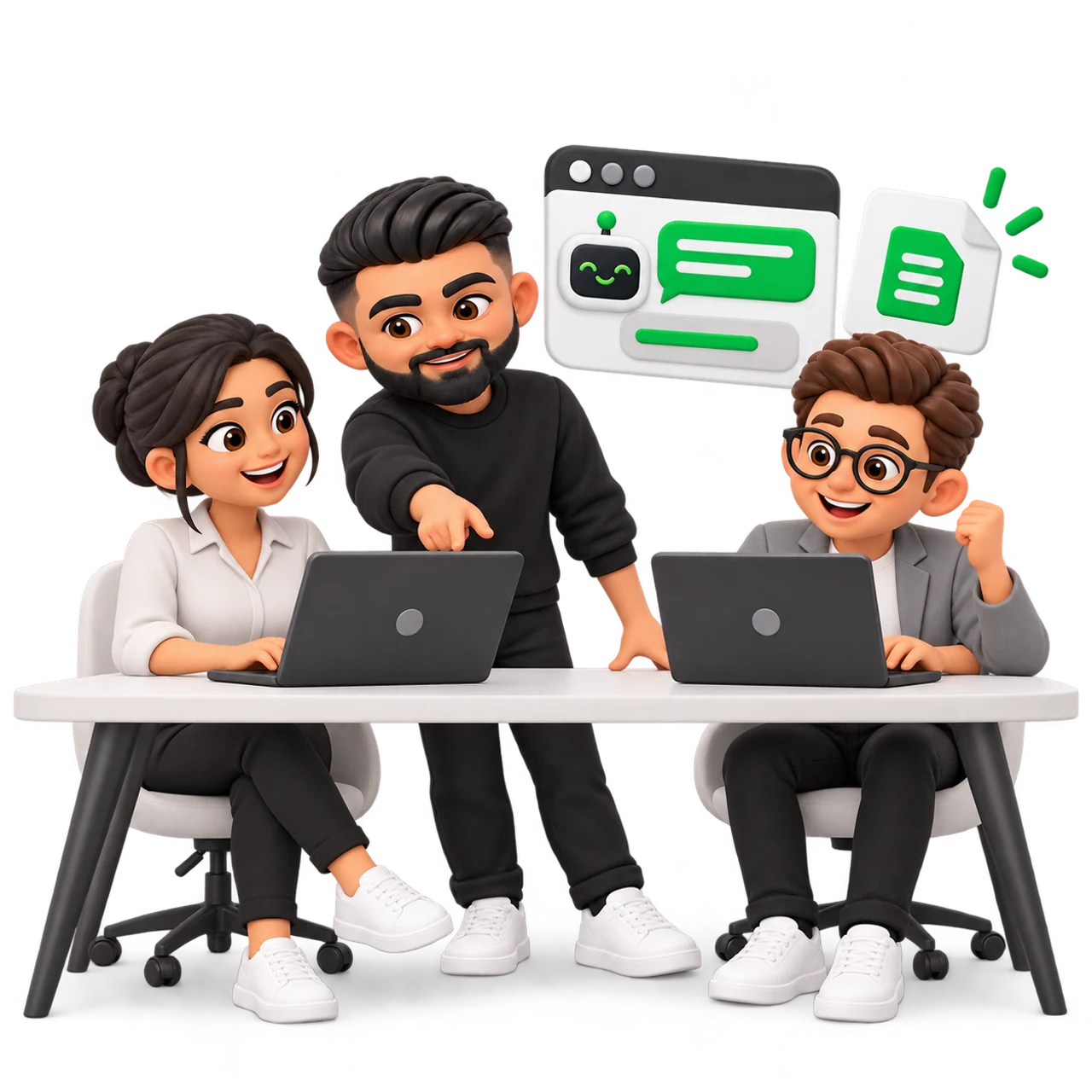
Choose a task. This is how closely the training follows your everyday work.
Choose an example
Simplified practice examples. We adapt the content to your business.
A customer inquiry arrives. You write the reply from scratch every time.
Summarize the inquiry.
List open questions.
Draft a friendly reply with the next step.
Do not invent prices or promises.
Training should help on the next working day.
The templates and guidelines we develop stay with you.
We agree on duration, group size and price in advance.
You receive a proposal based on your task and experience.
Build a shared understanding.
Your team tries suitable tasks and learns to assess the results.
A clear starting point with relevant use cases.
We work on a specific process from your business.
Together, we improve the instructions and the result.
A tested template for your own workflow.
Your team brings experience from daily use.
We resolve open questions and develop the templates further.
Better workflows based on actual use.
From the first attempt to a template your team can use again.
Fatma helps us organize incoming mail and prepare work items.

What does the message say? What belongs to the case?
What information is still needed before we can proceed?
The team checks the result and approves the work.
These are the steps we practice.
Automated systems for your business can be scoped separately if needed.
More inquiries, a team skilled in AI or simpler workflows? Tell me where your business stands today.
Open times come straight from the calendar.

Loading open times.
All times in Berlin time.
A few lines are enough: what you offer and what needs to improve.
info@uatakan.com